
Referral Program Tutorial
A Step by Step Visual Guide to Help You
Create Your Referral Links & Start Sharing!
*Tutorial Provided via Desktop
Let’s Get Started!
Follow These Steps to Start Sharing & Earning!
Step 1:
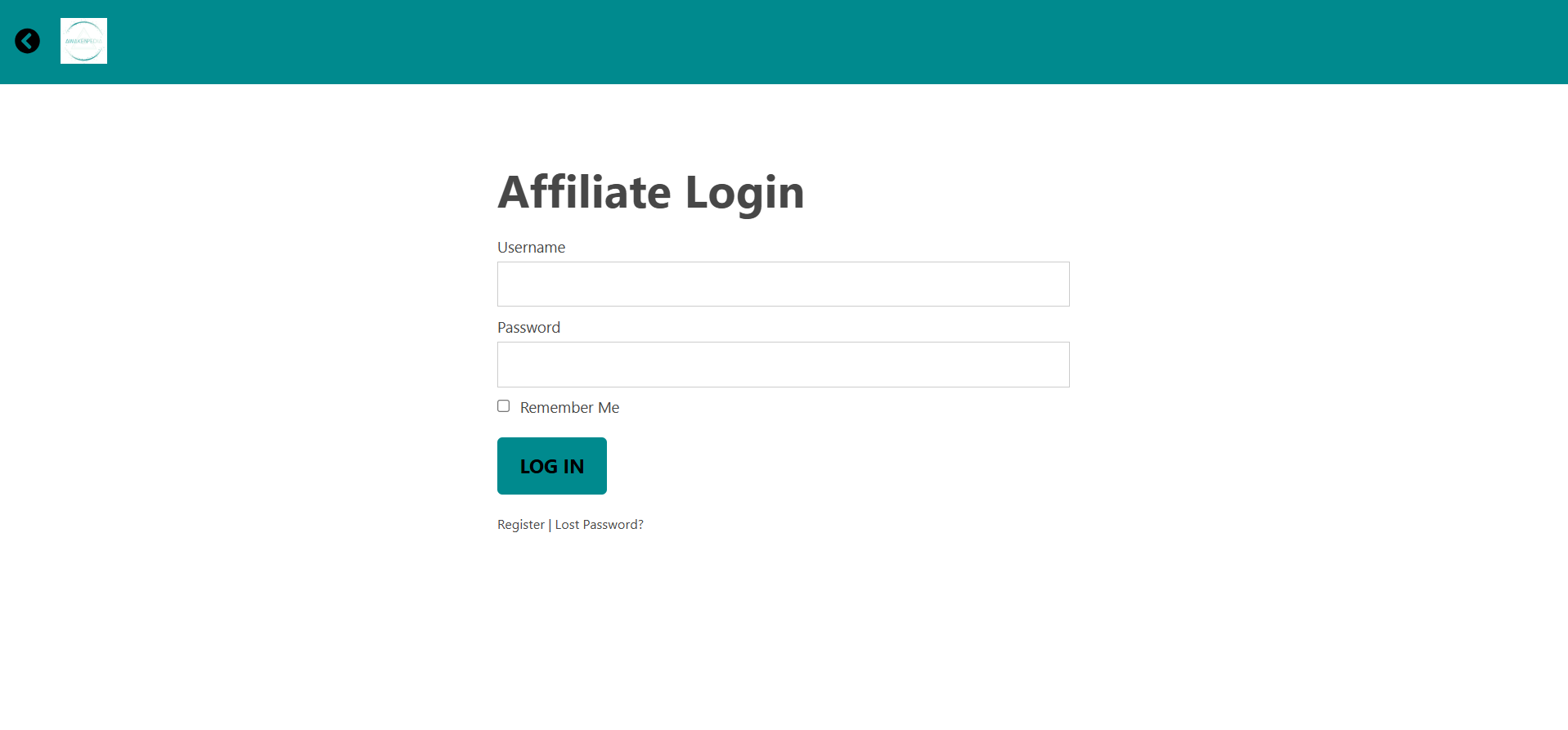
Login to the Referral Dashboard
- Dashboard Login URL: https://www.awakenpedia.com/affiliate-login
- Use the same login credentials as you do for awakenpedia.com
Step 2:
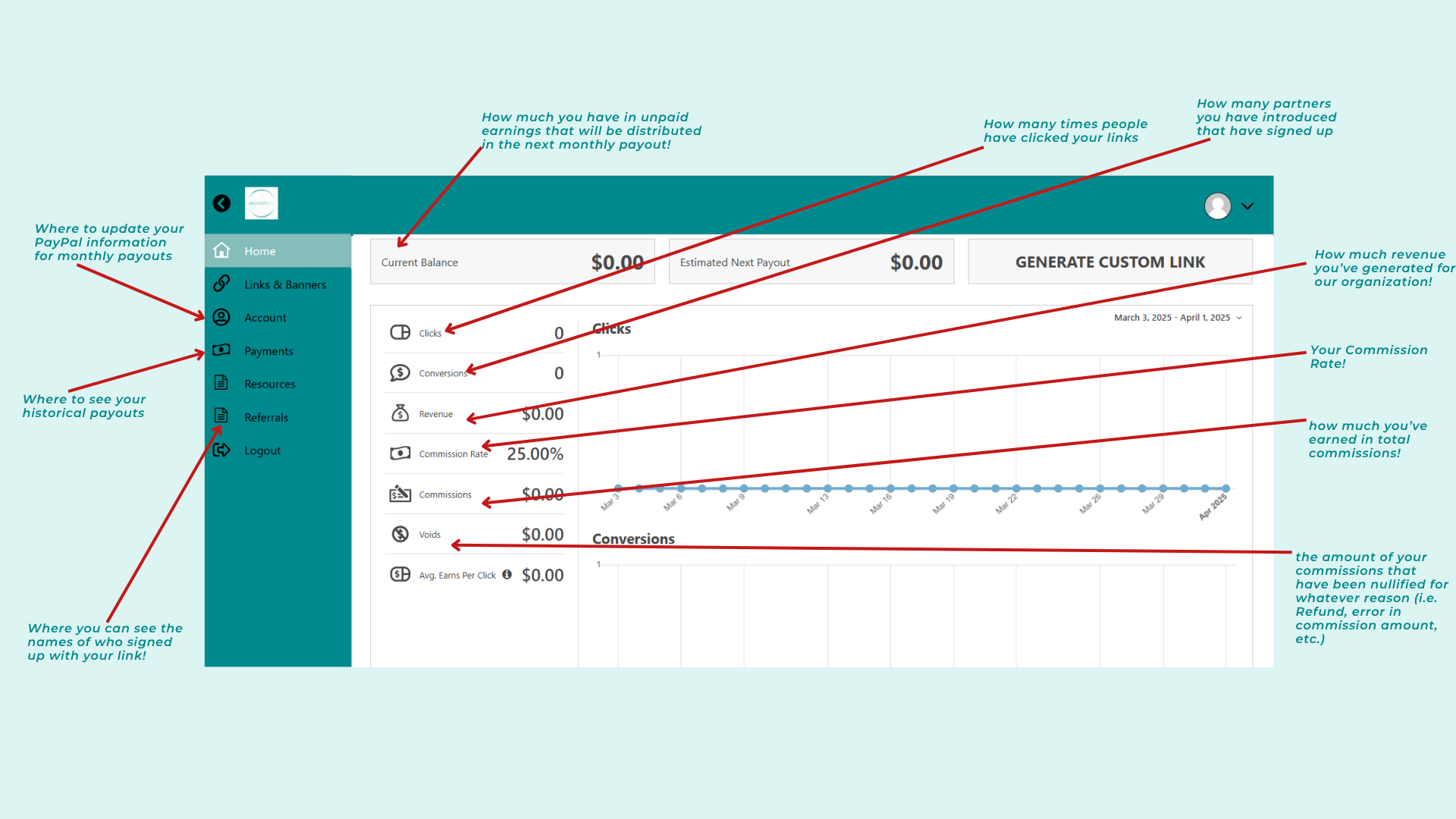
–> Dashboard Overview
- A fully functional, automated, & private referral program designed exclusively for our partner network!
- Learn what everything means and where to find everything you need to be successful in sharing
Step 3:
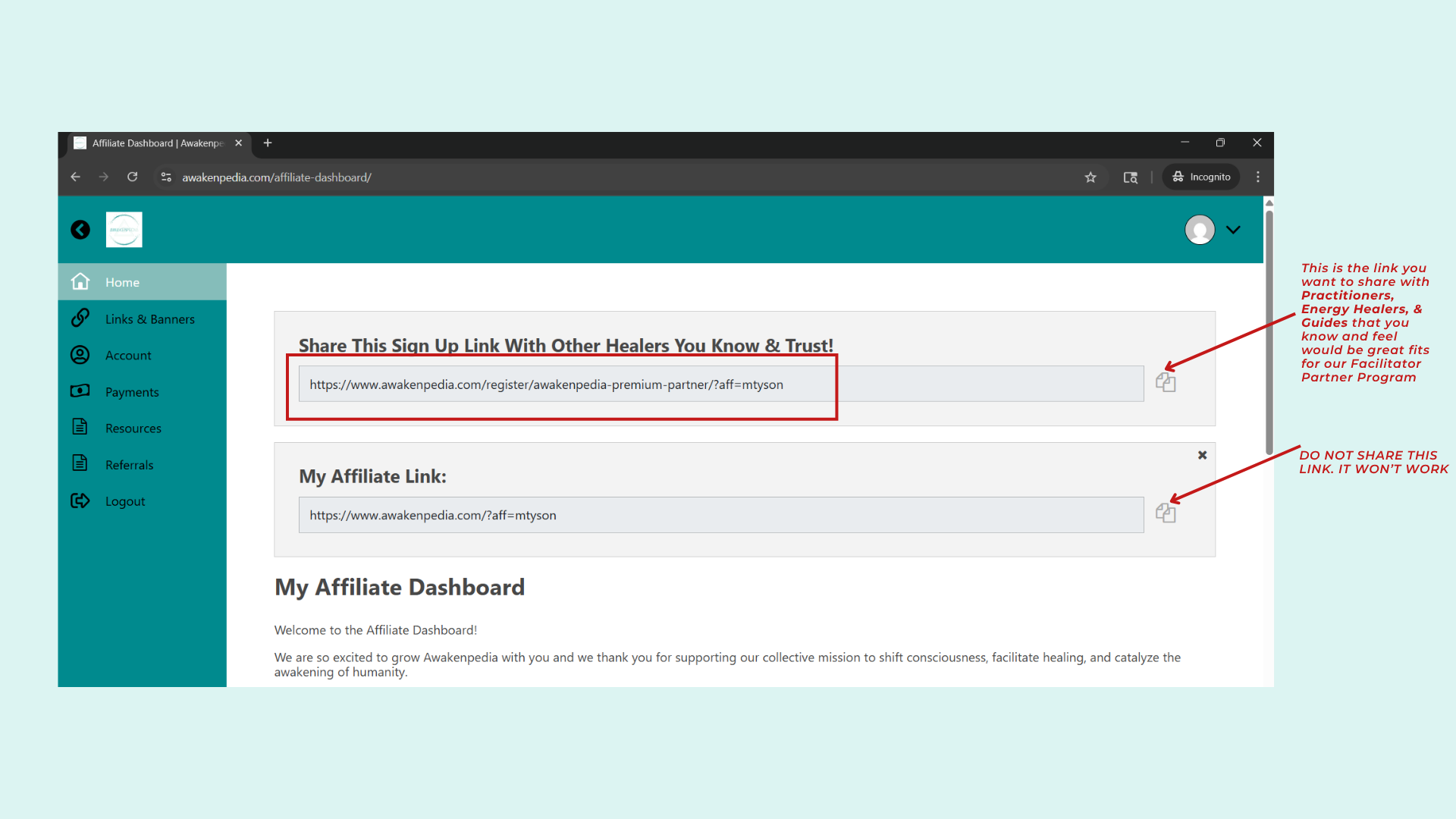
–> Grab Your Personal Referral Link!
- This first link is pre-made for you and will be the first thing you see when you login.
- Share this specific link only with practitioners, healers, & guides you know and trust!
- This link directs individuals to sign up for our facilitator-based partner program
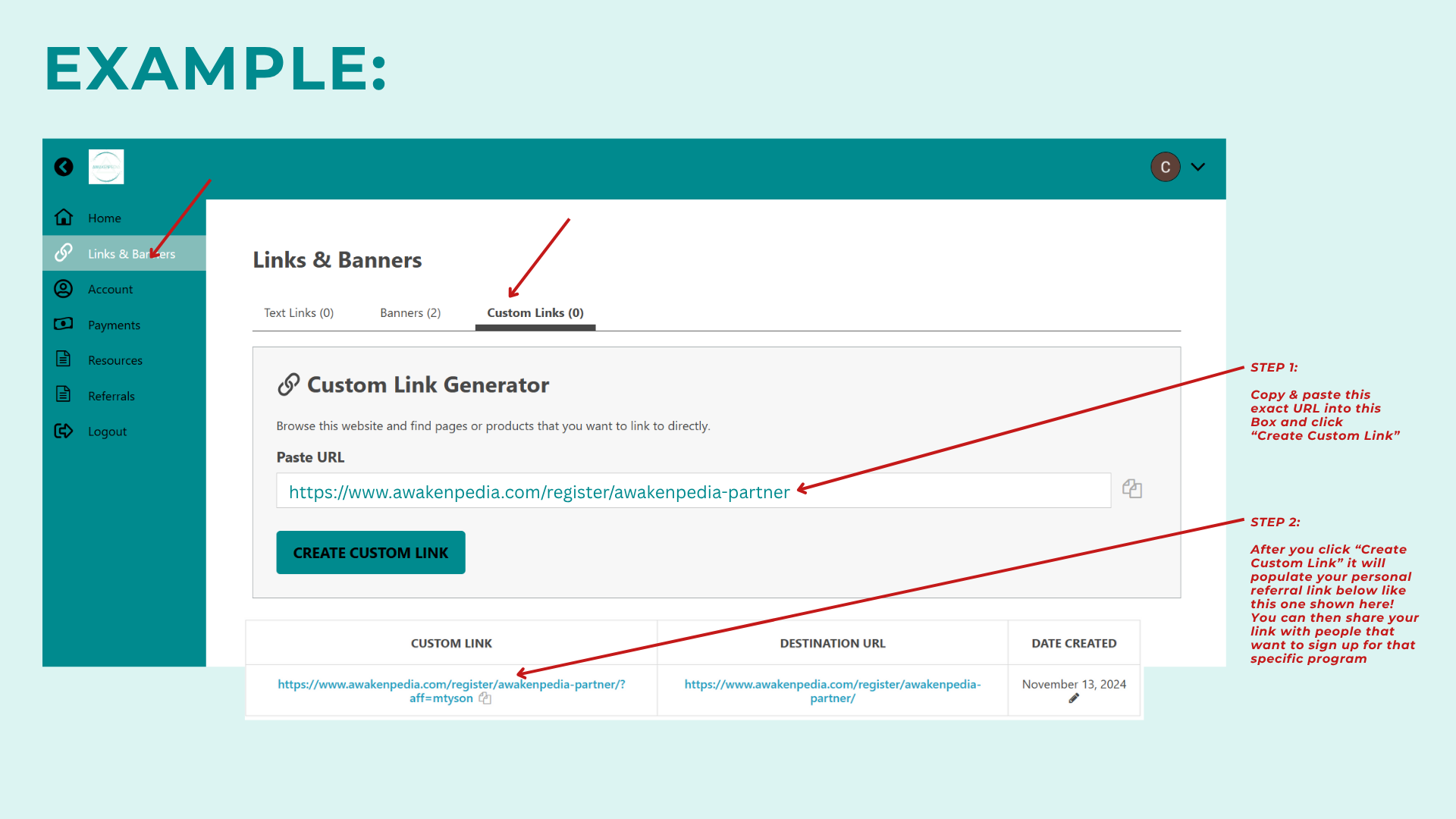
Create Other Referral Links
- Create your personal referral links for all of our other programs with the click of a button
- Copy & paste the following registration links into the Custom Link Generator to create your links
- Standard Plan Partner Program (For Facilitators):
- https://www.awakenpedia.com/register/awakenpedia-partner/
- Channel Partner Program:
- https://www.awakenpedia.com/register/awakenpedia-channel-partner/
- Standard Plan Partner Program (For Facilitators):
Step 4:
Share Your Referral Links & Earn!
- After creating your referral links you are ready to share!
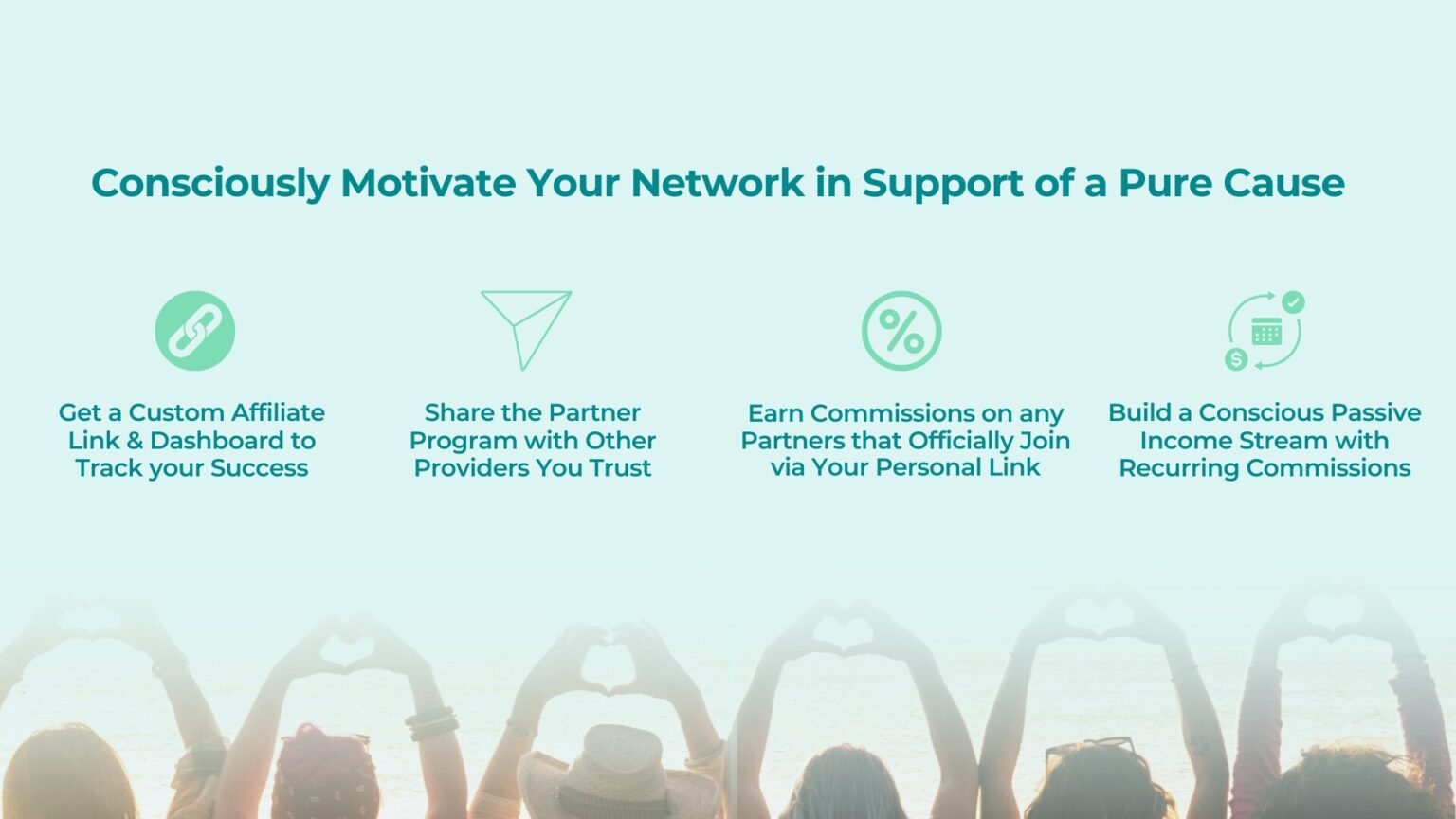
- Earn a recurring 33% commission on everyone who signs up with your links!
- Consciously build a genuine passive income stream by helping Awakenpedia grow!

Need Help?
Reach out if you have any questions 🙂